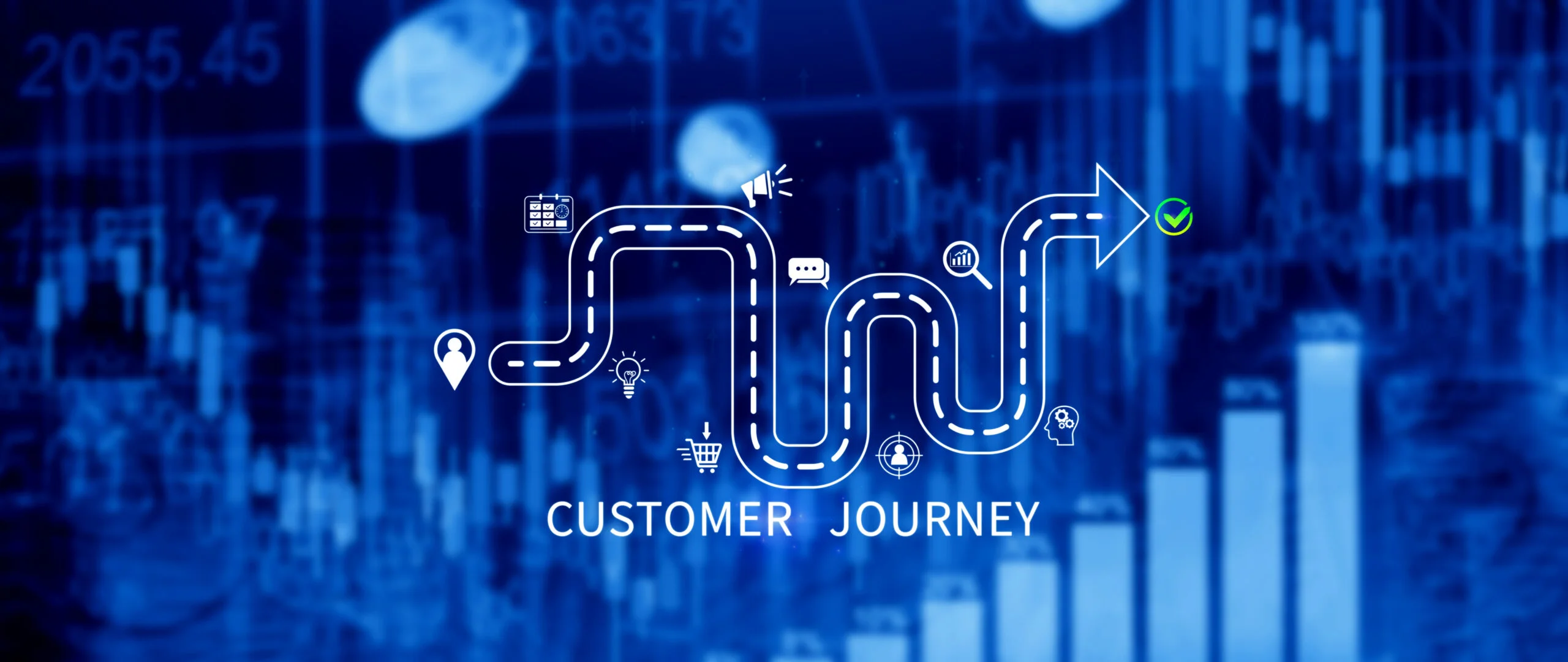

A user journey is the path a person takes toward a goal: from searching for a solution to making a purchase or getting in touch. To improve a site, you need to find out at which step people stop and what’s getting in their way. A journey map turns observations into tasks for content, design and development.
What Are User Journey and Customer Journey Map (CJM): The Difference
A user journey is a sequence of interactions, while a map is its visual description, complete with actions, expectations, emotions and barriers. A sales funnel shows the drop-off between steps; a CJM explains the context behind it.
What Stages Make Up the Customer Journey
Before ordering a product or service, a person usually goes through several stages:
- Becomes aware of a need. Searches for how to solve a problem. Explainer articles and tips are relevant here.
- Compares options. Studies specs, prices and reviews. The site should explain the differences between offers.
- Decides to buy. Confirms the total cost, payment and delivery terms. It’s important that placing an order is simple.
- Uses the purchase. May need instructions or support. A good experience gives a reason to come back and recommend the company.
This path isn’t always linear: even right before payment, a buyer might go back to reviews or comparisons. When planning SEO promotion for a site, link informational materials to the relevant products and services.

How to Build a Customer Journey Map, Step by Step
Choose a scenario – for example, ordering from a phone – and define its boundaries. In a table, place the stages in columns and the actions, channels, expectations and barriers in rows. Record the current experience, data sources and the date. Mark assumptions separately.
Defining Personas (Buyer Persona)
A buyer persona describes a segment’s tasks, selection criteria and constraints. Interview both people who bought and people who dropped off: what they compared, what information was missing, what determined the decision.
Touchpoints and Channels
Map out every interaction with the business: the ad, the product page, chat, the phone call. Check that terms are consistent across channels. When setting up contextual advertising, choose landing pages that live up to the ad’s promise.
Pain Points and Barriers Along the Customer Journey
Don’t confuse an observation with a cause. Cart abandonment doesn’t prove that shipping is expensive. Cross-check analytics against customers’ own explanations and review the checkout flow.
B2B Customer Journey Map Specifics
In business purchasing, the decision is often approved by several people. That’s why a B2B customer journey map needs to account for their roles: the user evaluates ease of use, the technical specialist evaluates integrations, and the manager evaluates cost. Mark where scenarios intersect and prepare supporting materials: an implementation overview, technical requirements, and terms of cooperation.
How to Research User Behaviour on a Website
Researching user behaviour on a website combines three tools:
- Google Analytics 4 shows transitions and drop-off between steps. Check that purchase and form-submission events are tracked correctly.
- Microsoft Clarity shows clicks and scrolling through heatmaps and session recordings.
- User behaviour testing uncovers friction: ask someone to complete a task without hints and explain anything that’s unclear.
Compare devices and traffic sources separately. Mask personal data in recordings. A site audit can help pin down technical causes and identify slow pages or broken forms.

How to Use a CJM to Improve Site Conversion
The map shows what’s stopping visitors from buying a product or leaving an inquiry. Use these findings for specific changes:
- Buyers abandon due to unexpected shipping costs. Show it on the product card, before they reach the cart.
- Visitors don’t understand which plan to choose. Add a comparison: what’s included in each option and who it suits.
- Users don’t finish filling out the form because of unnecessary fields. Keep only the data needed to place the order or make first contact.
After making changes, check whether the share of completed purchases or submitted inquiries went up. With enough traffic, compare the old and new versions with an A/B test. Testing with real users will show whether it actually got easier.
To improve your user journey, get in touch with LuxSite. Our marketing agency will analyse your visitors’ path and find solutions that make choosing a product or service, and placing an order, simpler.
FAQ
How does user journey differ from customer journey? The first more often refers to a task within a product, the second to interaction with a brand. The terms overlap – define the boundaries of your scenario.
What tools are used to analyse behaviour on a website? GA4, Clarity, CRM data and interviews. Researching user behaviour on a website combines action statistics with checking the underlying causes.
How often does a customer journey map need to be updated? After changes to the product, checkout, acquisition channels, or the appearance of new barriers. Note the review date and who’s responsible for keeping it current.
How does a B2B customer journey differ from B2C? B2B more often involves several participants, formal approvals and vendor vetting. Duration depends on the complexity and risk of the purchase.
Where should a small business start building a CJM?
Choose one scenario, cross-check customer inquiries against analytics, and test the problem step with real users. Record the first change and its result.